A quick tour of the Laneful dashboard
Everything you need to run, monitor and debug your email sending, in one place.
Everything you need to run, monitor and debug your email sending, in one place.
Organization
Organization & workspaces
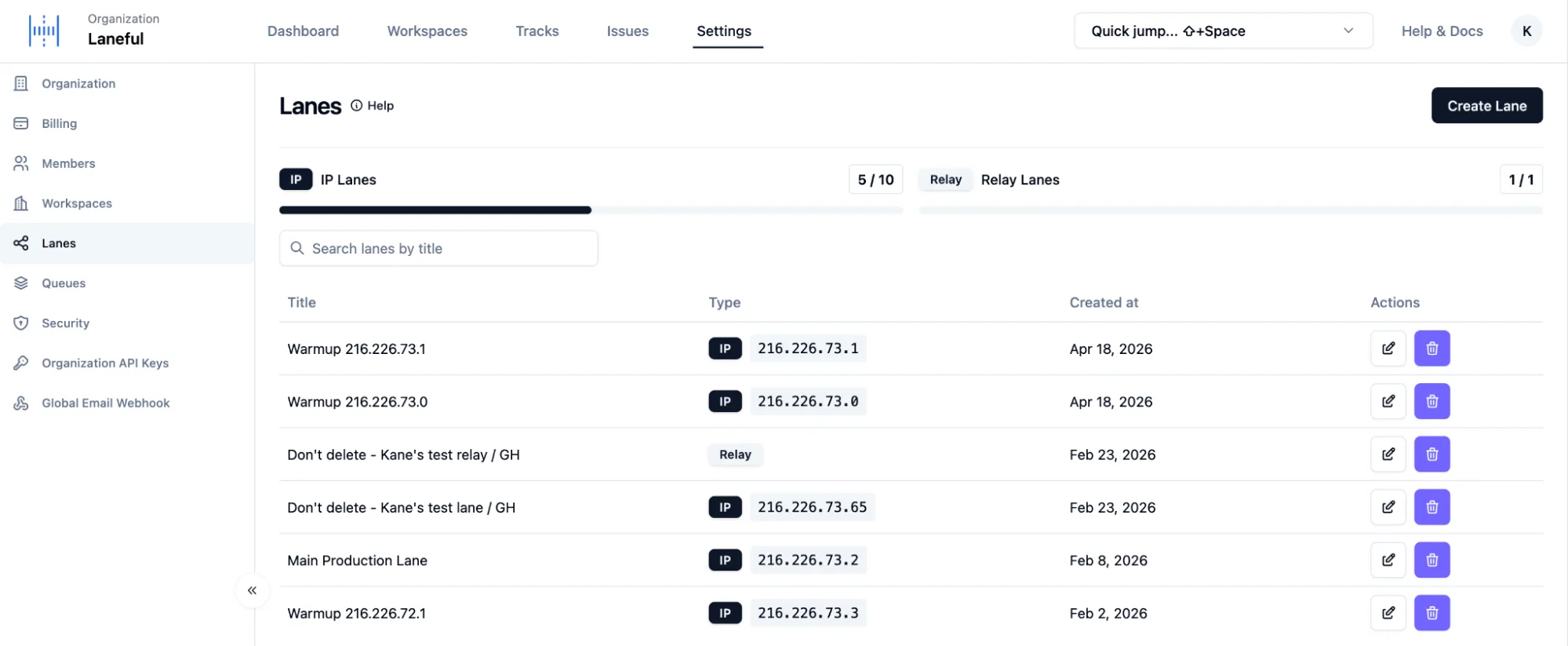
Your organization holds everything else. Split your sending into workspaces, for example per product or environment. You can also invite members, manage billing, create organization API keys, and limit API access to specific IP addresses or ranges.
Tracks & lanes
A lane is a sending path: either a dedicated IP or a relay. Tracks group lanes together. Each track shows a health score, its combined hourly and daily limits, warmup status, and activity timelines for the last 24 hours and 30 days, so you can see at a glance where mail is flowing and where it's being held back.
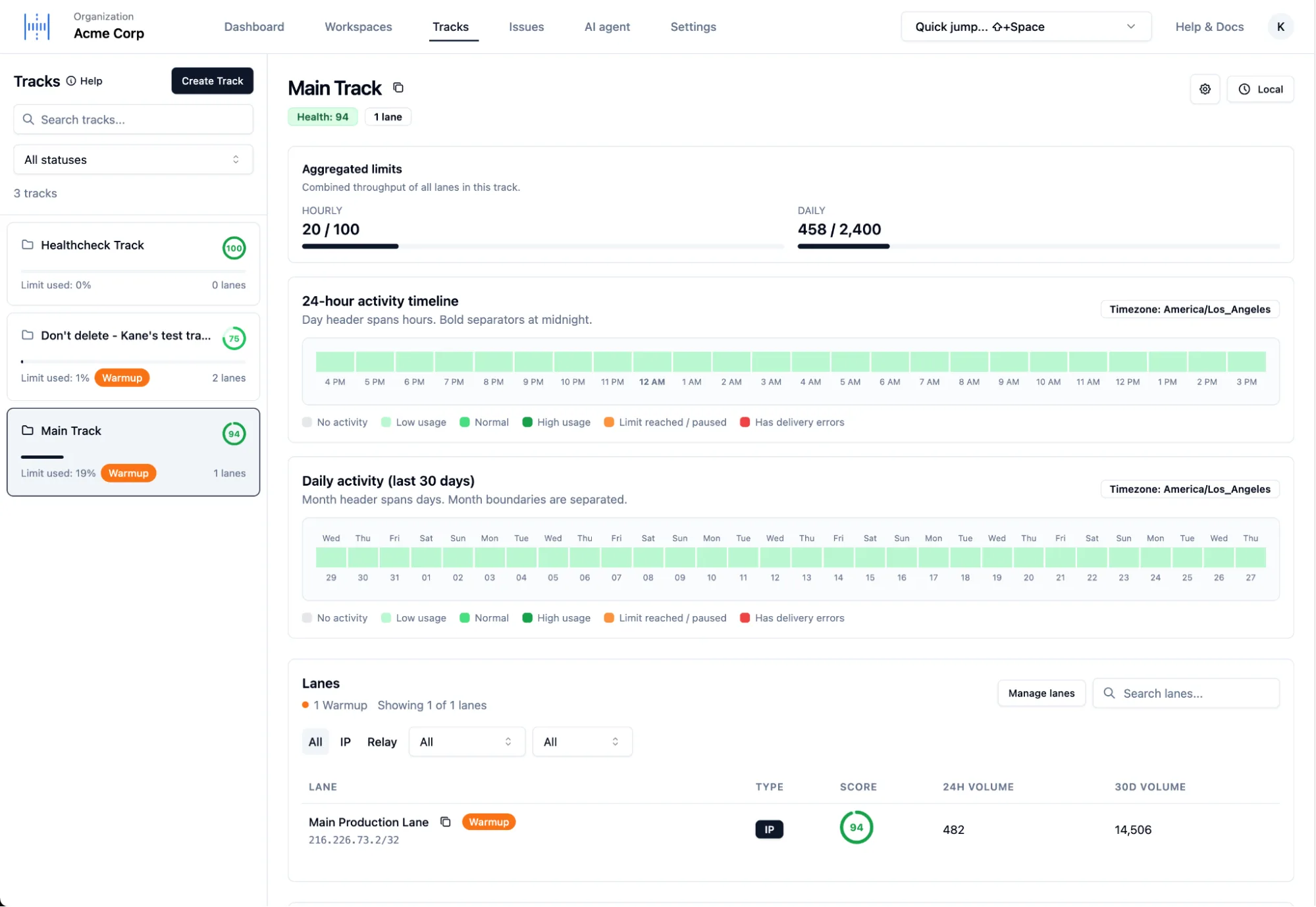
All lanes and your IP and relay quota are managed in organization settings.
Lane Insights
Lane Insights lists lane closures and errors across all lanes over the last 7 days. Expand any lane to see an hourly histogram of when it was closed and why.
Queues
Check how many emails are waiting in each queue for a workspace. It's the quickest way to tell whether mail is backing up.
Workspace
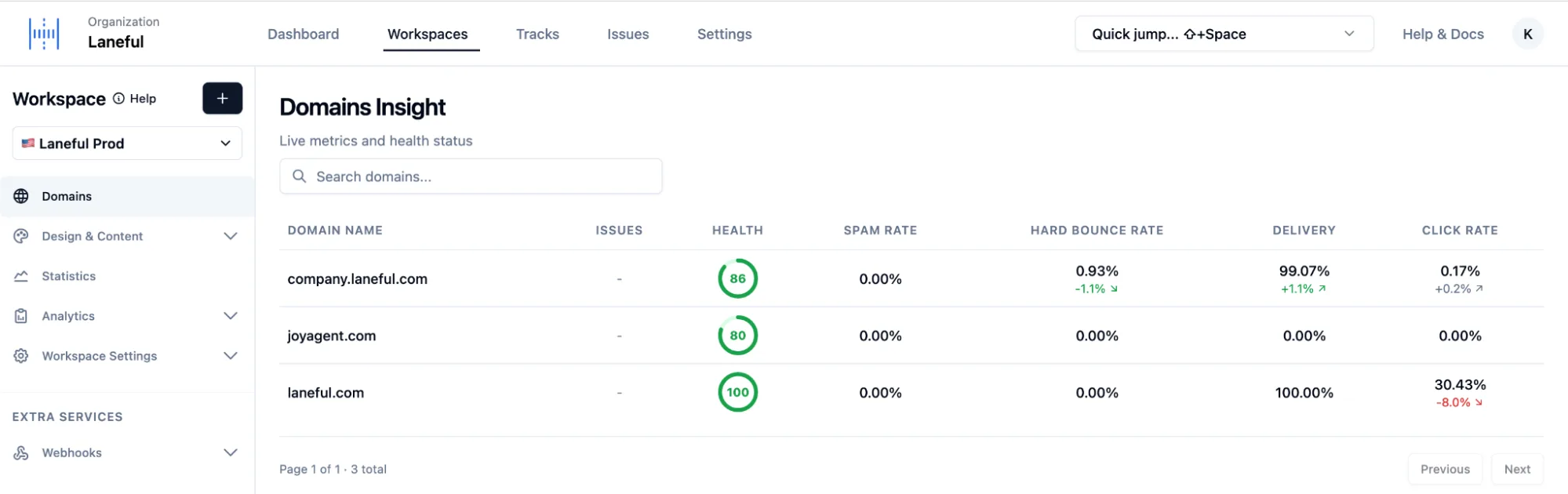
Domains insight
Live health for every sending domain: a health score plus spam rate, hard bounce rate, delivery and click rate, each with its trend.
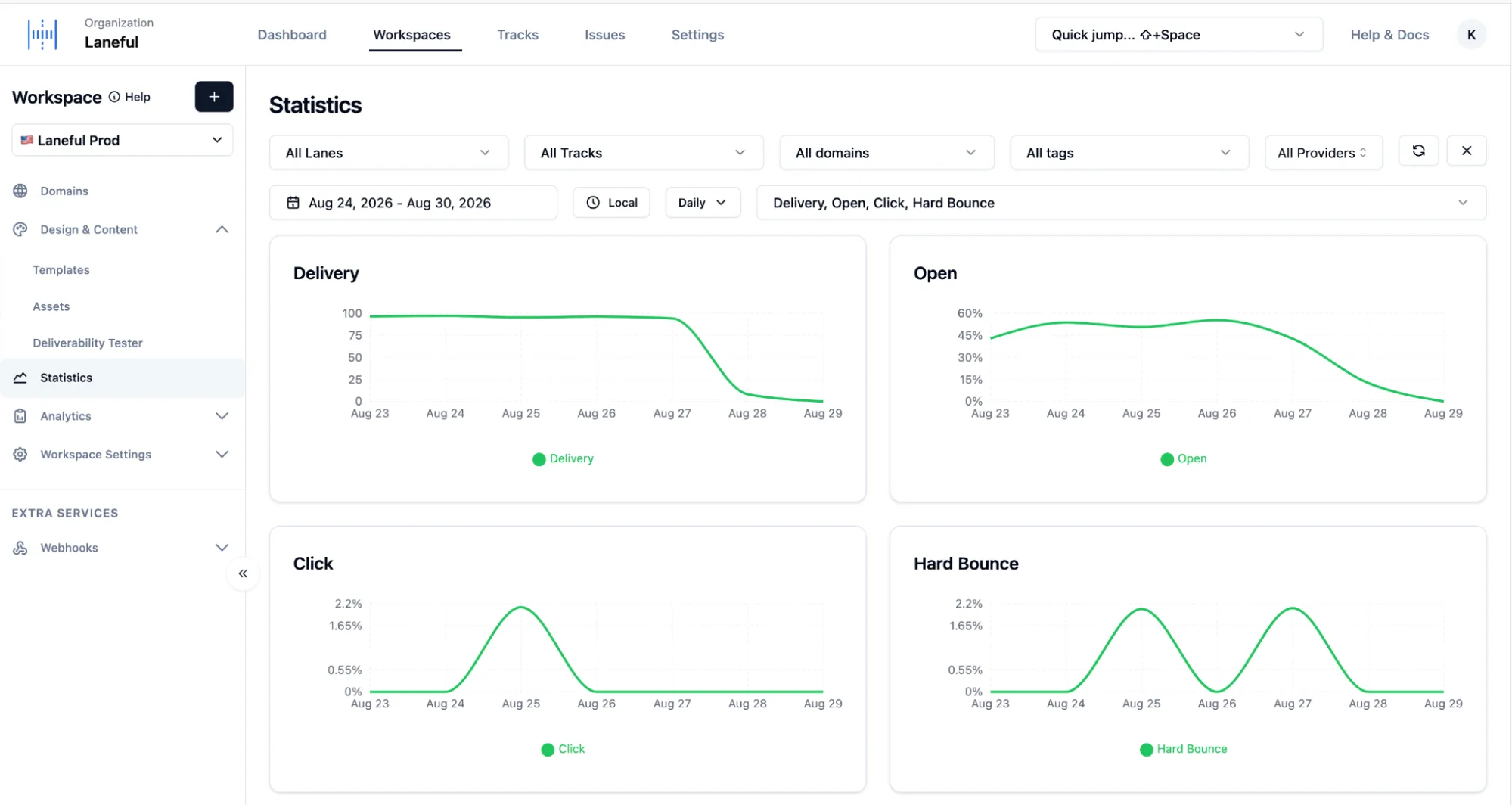
Statistics
Charts for delivery, opens, clicks, bounces and more. Filter by lane, track, domain, tag or mailbox provider, and switch between daily and monthly views.
Events
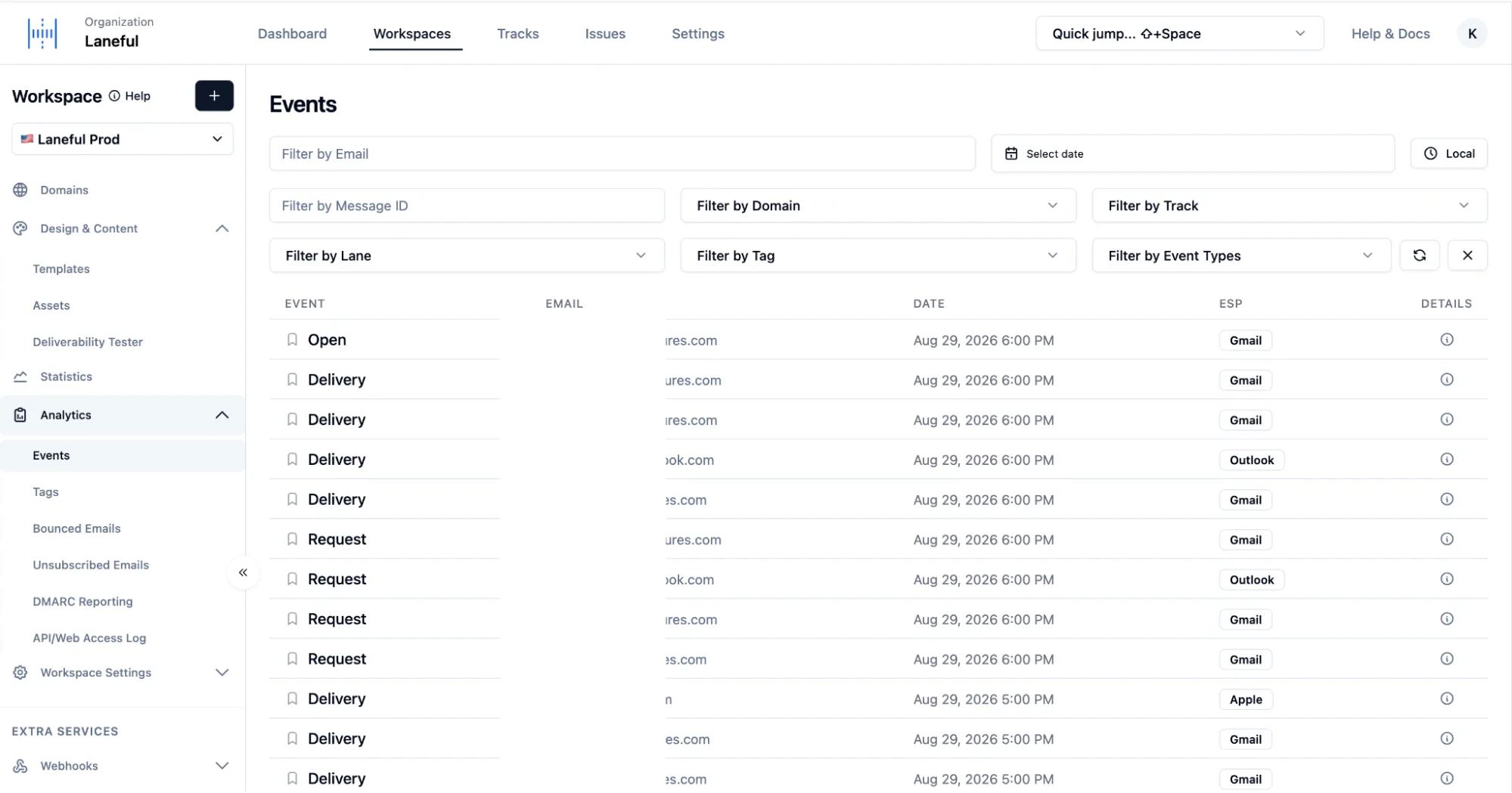
A searchable log of every message event, from request through delivery and open, with the recipient's mailbox provider. Filter by email, message ID, domain, track, lane, tag or event type to trace any single message.
Unsubscribes & bounces
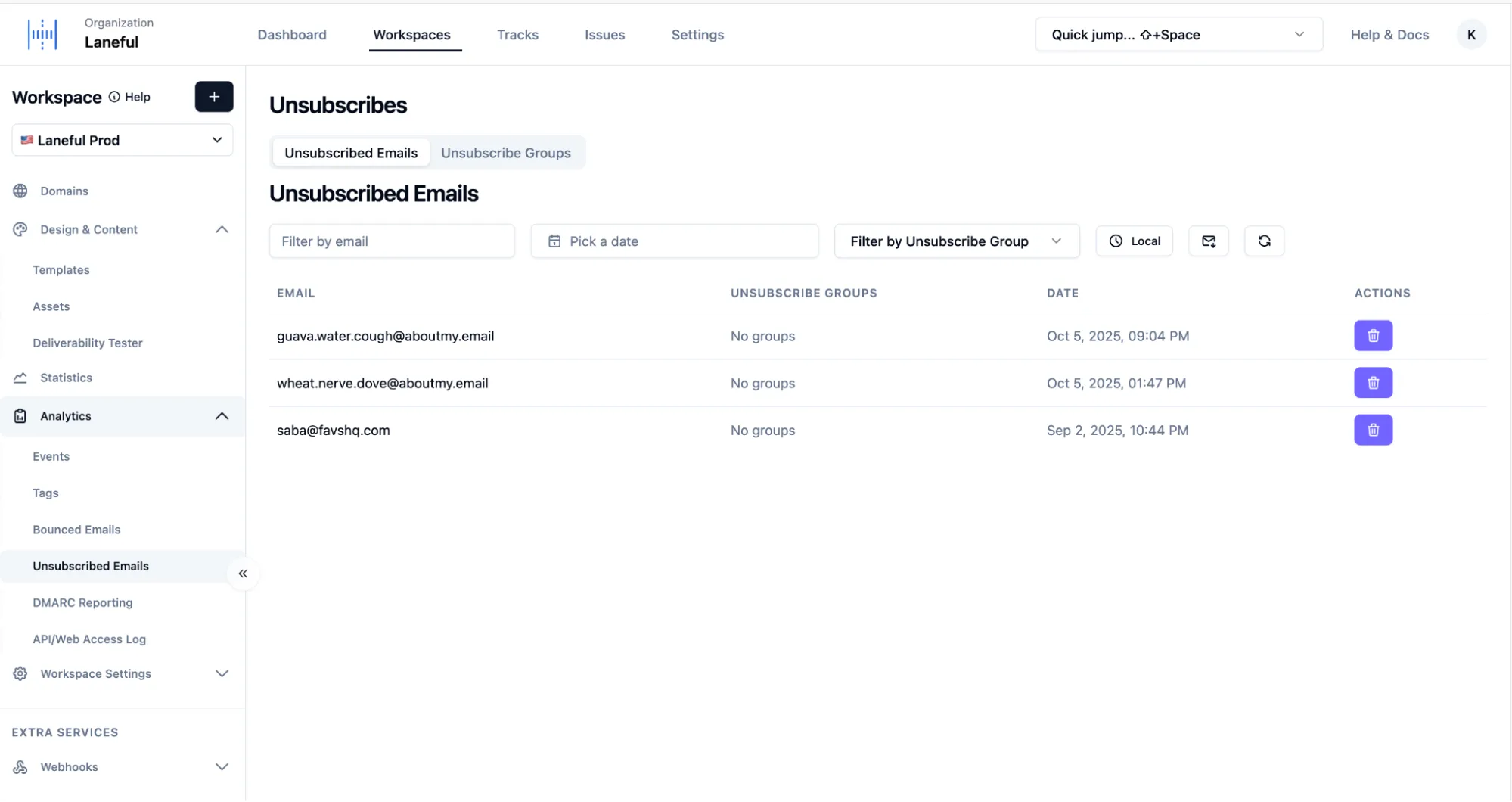
Your suppression lists: unsubscribed addresses, unsubscribe groups, and bounced emails. Laneful stops sending to suppressed addresses automatically.
API/Web access log
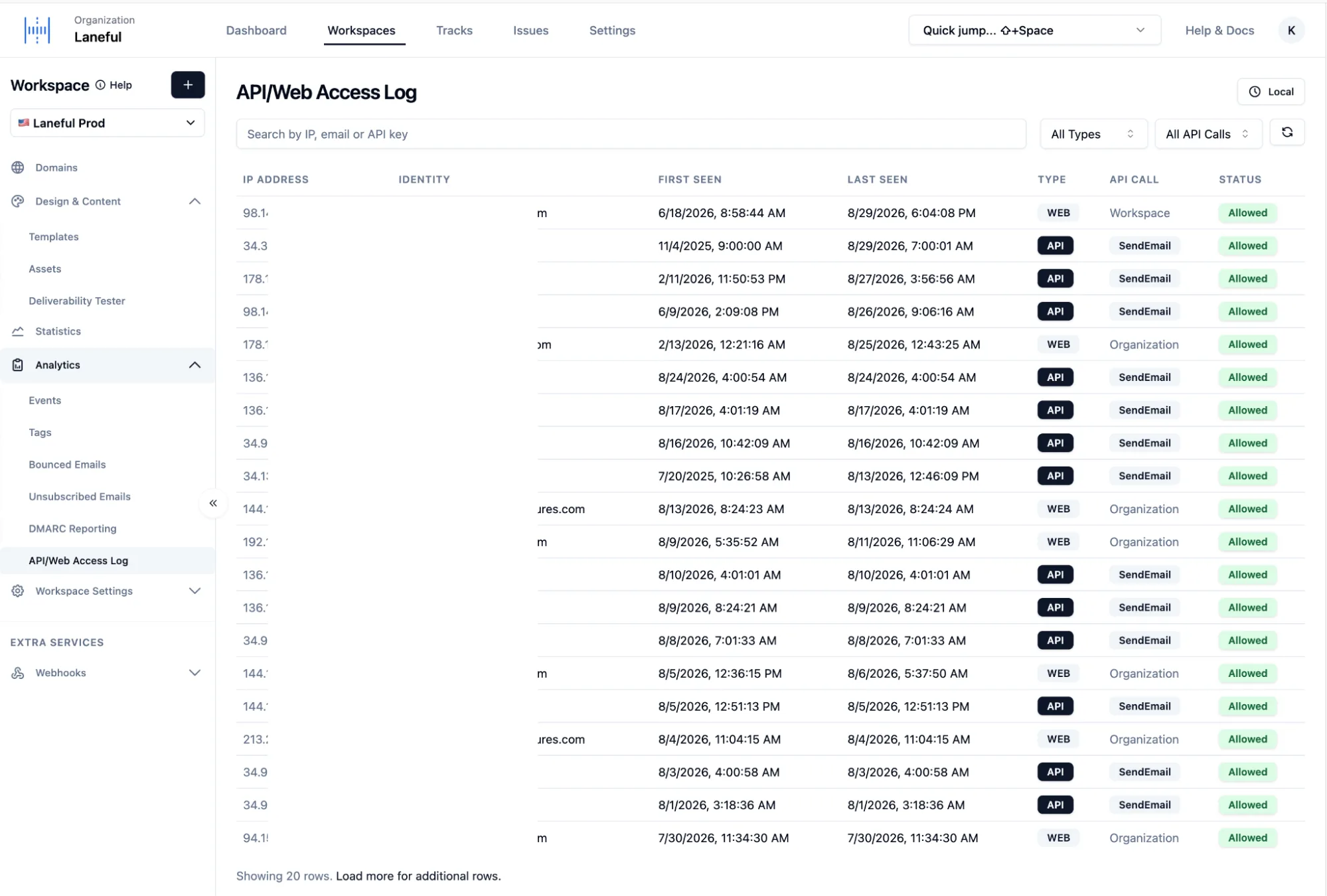
Every IP address and identity that has accessed the workspace through the API or the web, with when each was first and last seen, which call it made, and whether access was allowed.
Webhooks
Send email events to your own endpoint as they happen. You can filter by event type or use a Mailgun- or SendGrid-compatible payload, which makes migrating easier. Each webhook has a delivery history and a built-in tester. An organization-wide global email webhook covers all workspaces at once.
All of this data is also available through the API.